



How To Check If A Geek Bar Is Real
Every genuine Geek Bar should include an authentication label and security code. Do not rely on the packaging or QR code alone. Check the code through Geek Bar’s official website.
Look for the verification label on the side of the Geek Bar box.
Remove the scratch coating to reveal the product’s unique security code.
Go directly to Geek Bar’s official product-verification page .
Make sure the verification page is hosted on Geek Bar’s real domain:
https://www.geekbar.com/Type the code exactly as it appears beneath the scratch panel and submit it.
Check whether the code is valid and whether it has previously been verified.
A genuine code that has not previously been checked should return a valid security-code message. Geek Bar says each code can only be verified once.
Treat The Geek Bar As Suspicious If:
Fake Geek Bars can look almost identical to the real thing. The box might have the correct colours, the device might carry the Geek Bar logo and there may even be a QR code telling you it is genuine.
That last part is where people get caught out.
A QR code is only useful if it takes you to Geek Bar’s real website. Counterfeit manufacturers can print their own QR codes, build convincing verification pages and display whatever result they want.
The most reliable check is to reveal the security code on the box and verify it directly through www.geekbar.com.
The Geek Bar Authenticity Check Explained
Geek Bar places an authentication label on the retail box. There have been different versions of this label, but the current system uses a concealed security code that can be checked through the company’s website.
According to Geek Bar, each security code can only be verified once. This helps stop counterfeit manufacturers from copying one real code and placing it on thousands of fake boxes.
Here is what the different results mean:
| Verification result | What it means | What you should do |
|---|---|---|
| Valid code, first check | The code is recognised and has not previously been queried | Continue checking the box and device for anything unusual |
| Valid code, previously queried | The code exists but has already been checked | Treat it as suspicious, especially if you have only just scratched the panel |
| Invalid security code | Geek Bar does not recognise the code | Do not use the device |
| QR code opens another domain | You may have been sent to a fake verification website | Close the page and visit geekbar.com manually |
| No authentication label | The box cannot be verified through Geek Bar’s system | Ask the retailer for a refund or replacement |
A successful code check is the strongest test available to a normal buyer. It is still sensible to inspect the packaging and device before using it, particularly if anything about the purchase feels wrong.
How To Verify Your Geek Bar Step By Step
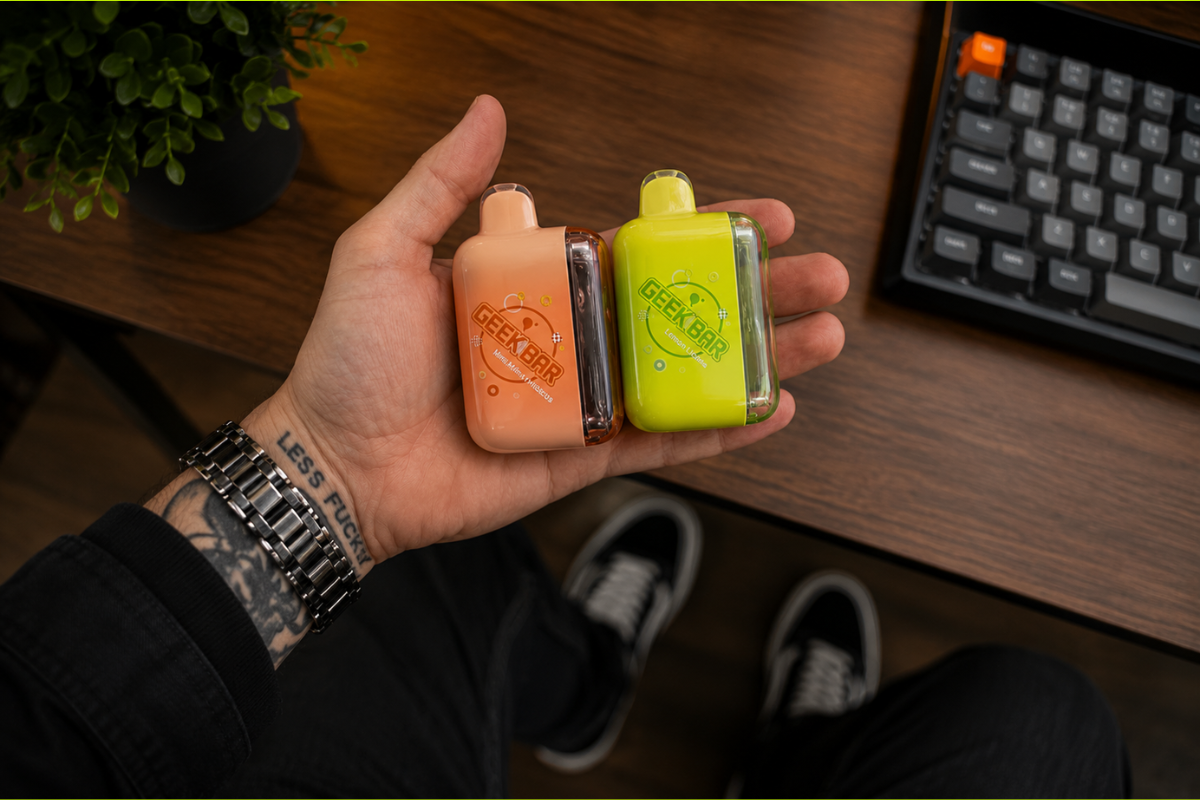
1. Keep The Box
Do not throw the packaging away as soon as you open it.
The verification label is attached to the box, not the disposable itself. You may also need the packaging, security code and receipt if you have to return the product or report it.
If a shop tries to sell you a loose Geek Bar without its original sealed box, I would leave it there.
There may be an innocent explanation, but there is no good reason to gamble when you can buy a sealed and verifiable device elsewhere.
2. Find The Authentication Label
Look along the side of the packaging for a scratch-off authentication label.
Geek Bar displays both newer and older label designs on its official verification page, so do not assume a device is fake just because its label looks slightly different from one you bought previously.
Packaging can also vary between:
- Models
- Flavours
- Production runs
- Countries
- Regional nicotine limits
- Distributor requirements
The presence of a different label is not proof of a counterfeit. The result returned by Geek Bar’s actual verification system matters more.
3. Check Whether The Panel Has Already Been Scratched
The coating over the code should be intact before you buy the device.
If the security code is already exposed, somebody may have checked it previously. That does not automatically prove the product is fake, but it removes one of the main protections provided by the system.
Do not accept an opened or pre-scratched box unless the retailer is checking it in front of you and you are satisfied with the result.
4. Go To Geek Bar’s Website Yourself
The safest option is to type www.geekbar.com into your browser and open the verification tool from there.
You can scan the QR code, but check the destination before continuing. The domain should be:
Be wary of domains containing extra words, hyphens or different endings. A site can use Geek Bar’s logos, colours and product images without having any connection to the real company.
Geek Bar specifically warns that several sites using its name are not official Geek Bar websites. That is why checking the full address matters more than checking how convincing the page looks.
5. Reveal And Enter The Security Code
Carefully scratch away the coating without damaging the characters underneath.
Enter the code into the form on the official Geek Bar verification page. Make sure you have not confused similar-looking characters such as:
- Zero and the letter O
- One and the letter I
- Five and the letter S
- Eight and the letter B
If the code initially fails, check it once for typing mistakes. Do not keep trying dozens of variations to force a result.
6. Read The Result Carefully
A fresh genuine code should return a valid result.
The words previously queried or already checked deserve more attention. Geek Bar says a first-time check returning a message that the valid code has already been queried is a warning that the product may be fake.
This usually happens when a counterfeiter copies a working number from one genuine box and reuses it.
There is a small chance the shop or another person checked the code before you. That is why the result is a warning rather than absolute proof. But if you personally uncovered an intact scratch panel and the code has supposedly been checked already, I would not use the device.
Real vs Fake Geek Bar: What The Packaging Can Tell You
Geek Bar lists several visual differences between its genuine and counterfeit packaging.
| Check | Genuine Geek Bar | Possible fake |
|---|---|---|
| Security code | Recognised on geekbar.com and not previously checked | Invalid or already queried |
| Verification address | www.geekbar.com | Similar-looking or unrelated domain |
| Printing | Bright, clean and clearly defined | Dark, dull, blurred or poorly aligned |
| Security image | Smooth image that reacts naturally to light | Grid-like, broken or showing banded afterimages |
| Box opening | Geek Bar says genuine boxes open from the back | Some counterfeit boxes open from the front |
| Scratch coating | Intact before purchase | Missing, damaged or already removed |
| Seals | Neat and properly applied | Loose, crooked, cut or resealed |
| Text | Correct model, flavour and nicotine information | Misspellings, inconsistent fonts or missing details |
These visual checks are supporting evidence. They should not replace the security-code test.
Counterfeit packaging gets better over time. A fake box may be beautifully printed, while a real box may have minor scuffs from shipping. Look at the full set of checks rather than making your decision based on one slightly crooked label.
Does The Device Itself Look Or Feel Wrong?
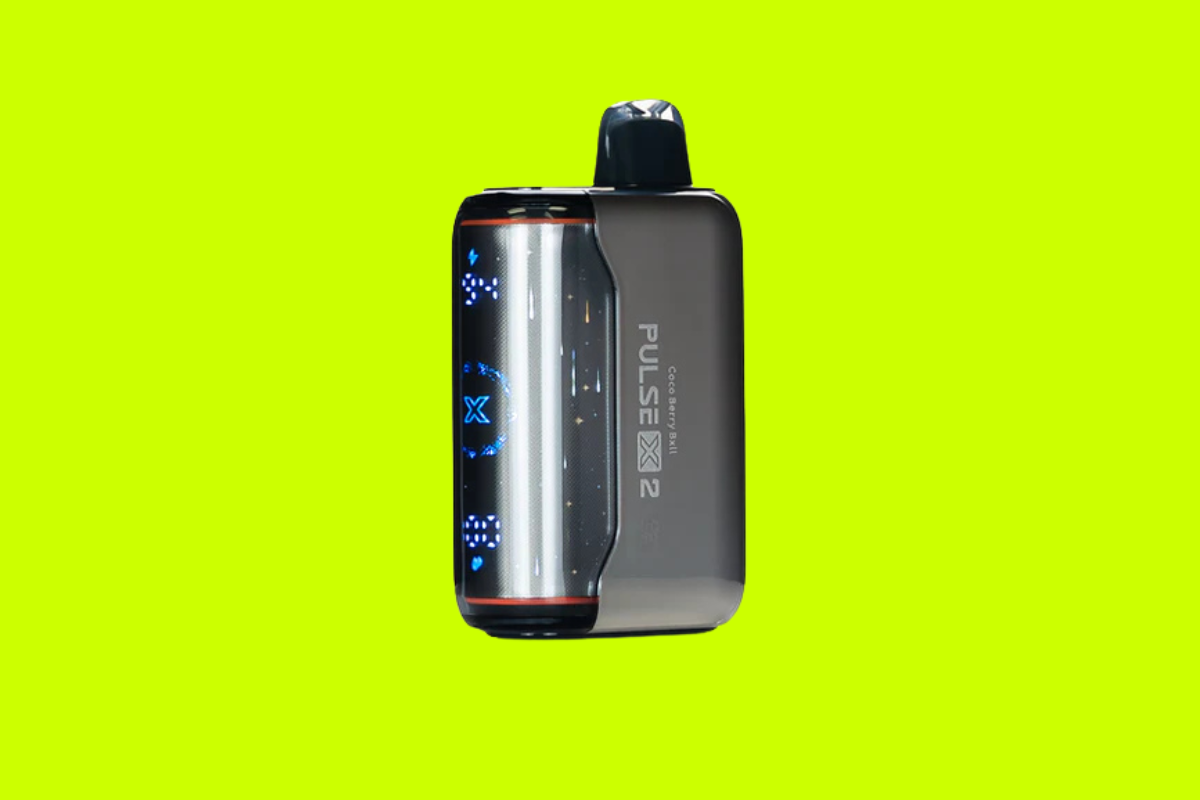
Once the code has been checked, inspect the Geek Bar before vaping it.
Warning signs include:
- Loose or rattling internal parts
- Large gaps around the seams
- A poorly fitted mouthpiece
- A damaged charging port
- E-liquid around the mouthpiece or airflow inlet
- A screen that is unusually dim, distorted or flickering
- Controls that do not match the model
- Incorrectly spelled branding
- Missing battery or e-liquid indicators
- A different size or shape from official product images
Compare the device with the same model shown on Geek Bar’s official product pages, not with a random marketplace listing.
A Pulse X will not have the same shape, screen or control layout as a Pulse 2, for instance. Check against the exact model and generation printed on your box.
You can also use our Geek Bar puff comparison to confirm the advertised puff count and operating modes, or our Geek Bar nicotine guide to check whether the stated strength is normally sold for that model.
Is Bad Flavour Proof That A Geek Bar Is Fake?
No.
Strange flavour can be a warning, but it is not an authentication test by itself.
A genuine Geek Bar can taste wrong because:
- The coil has overheated
- The wick has not resaturated between puffs
- The device has been stored in excessive heat
- It is close to empty
- The product is faulty
- You received a flavour you have not used before
- The recipe has been revised
- Your taste has been affected by illness, food or another vape
A possible counterfeit may taste:
- Harsh or unusually peppery
- Chemically unpleasant
- Nothing like the named flavour
- Burnt almost immediately
- Far sweeter or colder than expected
- Noticeably different from another verified unit
If you regularly use the same flavour and a new device tastes completely wrong, stop using it and check the code.
Our Geek Bar flavours guide explains what the main flavours are supposed to taste like. That can help you separate an unfamiliar recipe from something that is clearly off.
Fake Geek Bar Or Simply A Faulty Device?
A failed device is not automatically a counterfeit.
Authentic mass-produced disposables can arrive with:
- A depleted battery
- A blocked airflow sensor
- A damaged display
- A leaking reservoir
- A failed coil
- A loose internal connection
- A charging fault
The security code tells you whether the packaging code is recognised. It does not guarantee that every device leaving the factory will work perfectly.
If the code passes but the device is dead, leaking or overheating, treat it as a faulty product and return it to the retailer.
Geek Bar asks buyers to retain their receipt and contact the store where the device was purchased. Its published warranty information refers to a 14-day warranty period for authentic products sold through its distribution network, although the return policy you actually receive will depend on the seller and your local consumer laws.
A Genuine Geek Bar Is Not The Same As An FDA-Authorized Vape
This distinction matters in the United States.
An authentic Geek Bar is a real product made for the Geek Bar brand rather than a counterfeit copy.
That does not mean the product has received FDA marketing authorization.
The FDA has previously issued warning letters to retailers selling unauthorized Geek Bar products. It states that e-cigarettes require a marketing granted order before they can lawfully be marketed in the US.
In other words:
- Fake means it was not made or supplied as an authentic Geek Bar product.
- Unauthorized refers to its regulatory position in the US.
- A product can be genuine Geek Bar hardware and still lack FDA authorization.
The authentication tool only answers the first question. It does not tell you that a product is FDA approved, legal in every state or cleared for sale everywhere in the US.
Where You Buy It Matters
The easiest way to avoid a counterfeit is to buy from an established vape retailer (I recommend this one) that has proper contact information, age verification and a clear returns process.
Be cautious when buying from:
- Social-media sellers
- Informal marketplace listings
- Sellers using only messaging apps
- Pop-up websites with no company details
- Individual resellers
- Market stalls
- Shops selling loose devices without boxes
- Websites with copied branding and no working support address
Price is another clue.
Geek Bar prices vary by model, retailer, tax, stock level and import costs. A discount is not automatically suspicious. But a current premium model selling for a tiny fraction of the normal market price needs explaining.
You can check our Geek Bar price guide to see the normal range before ordering.
What Should You Do If Your Geek Bar Fails Verification?
Do not vape it to “see if it seems okay.”
Instead:
- Stop using the device.
- Do not charge it.
- Photograph the box, security label, code result and device.
- Save your receipt or order confirmation.
- Contact the retailer and request a refund.
- Report the product to Geek Bar.
- Follow local battery-recycling rules rather than placing it in household waste.
Geek Bar asks buyers to report suspected counterfeits to:
Include:
- The security code
- Screenshots of the verification result
- Photographs of every side of the box
- Photographs of the device
- The retailer’s name
- The retailer’s website or address
- The purchase date
- Your receipt or order number
If the retailer is selling suspected counterfeits knowingly, you can also report it to the relevant consumer or trading authority in your area.
In the US, tobacco-product problems can be reported through the FDA’s safety reporting channels. In the UK, suspected counterfeit or non-compliant products can be reported to your local Trading Standards service.
Stop Using It Immediately If This Happens
Whether the device is fake or merely defective, stop using it if:
- The battery becomes unusually hot
- The case begins swelling
- You hear hissing after releasing the mouthpiece
- Liquid is leaking into the charging port
- The device activates without being inhaled
- There is a strong chemical or electrical smell
- The USB-C port appears burned or melted
- The device has been crushed, punctured or soaked
- You feel sick, dizzy or unwell after using it
Move a hot or damaged device away from flammable materials if you can do so safely. Do not puncture it, open it, refill it or attempt to repair its battery.
The FDA has received reports of vaping devices overheating, catching fire and exploding, with many battery incidents happening during charging. FDA e-cigarette safety information
My Advice
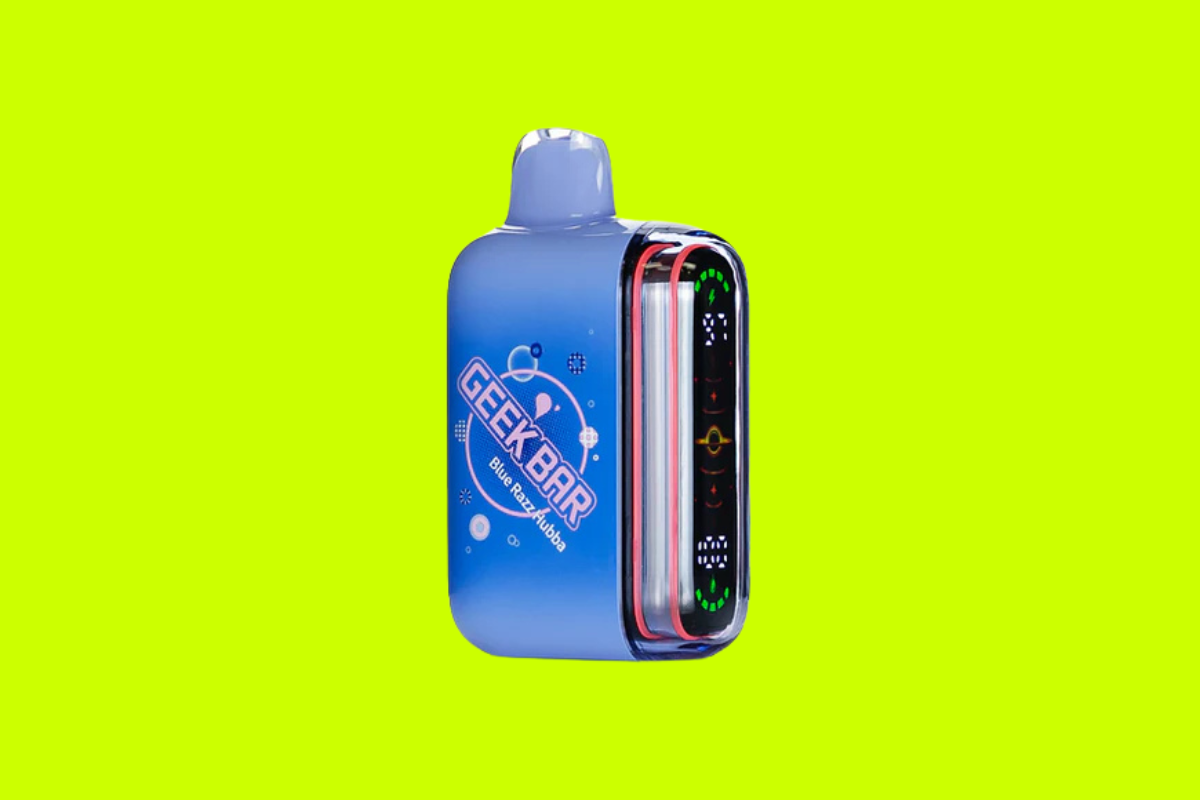
The security code is the test that matters most.
Packaging, flavour, build quality and price can all raise suspicions, but counterfeiters can copy a box surprisingly well. They cannot give you a fresh, unique result inside Geek Bar’s genuine verification system without access to a legitimate code.
Type geekbar.com into your browser yourself, check the code before using the device and keep the box and receipt.
If the result says invalid or previously checked, do not talk yourself into using it because you have already paid for it. Return it and buy from somewhere else.
For help choosing a genuine model that suits how you vape, see our guide to the best Geek Bars or start with What Is A Geek Bar?.